
How to create a modal on page load
Create a ordinary item to be triggered as a modal on page load. Can be used for different kind of "urgent" messages.
Example:
Reload this page for an example.
Usage
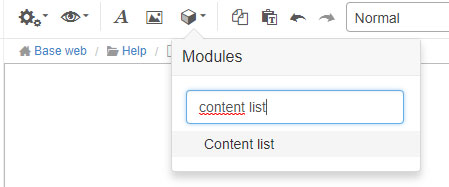
To apply the modal to a page, use the Content list-module in Sitevision.
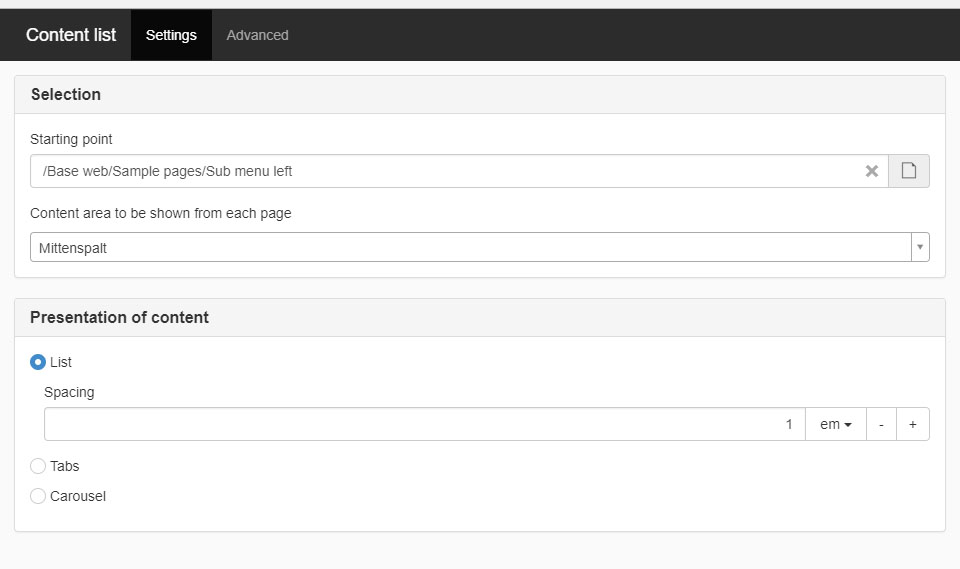
Select the starting point that you want to show content from and select content area.
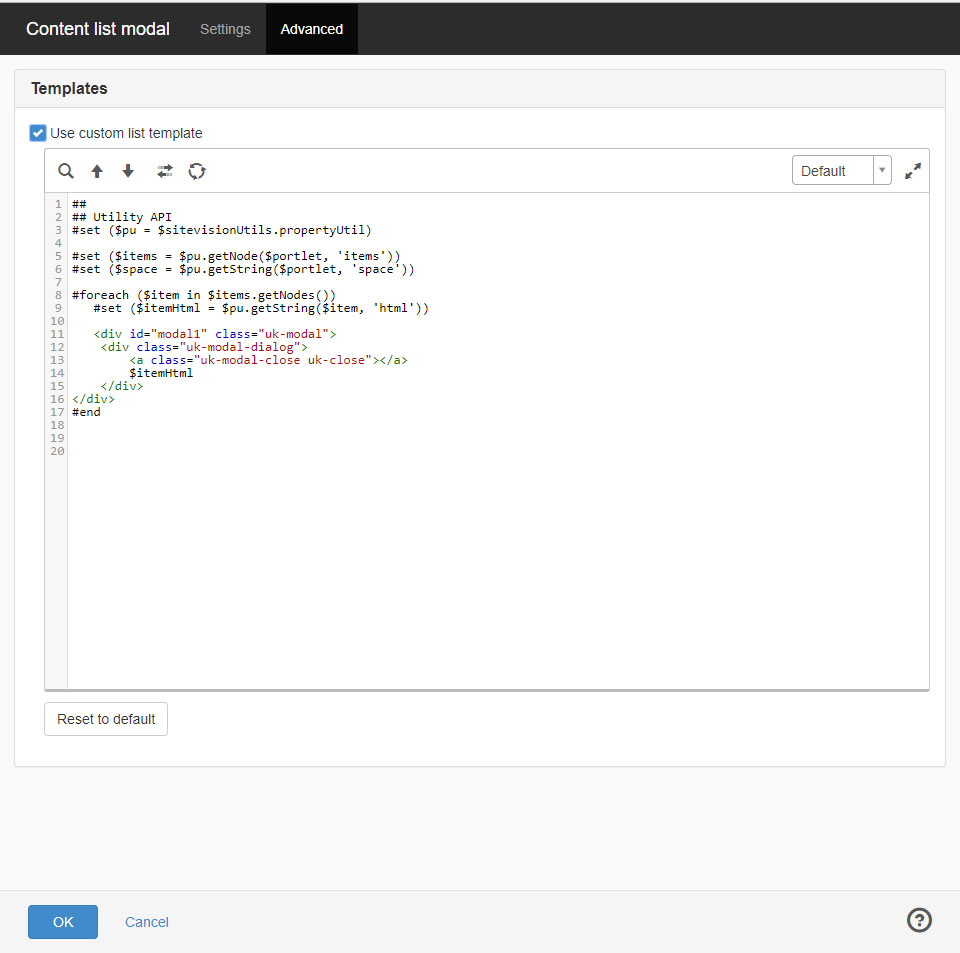
Select the advanced tab and paste the following code into the velocity template. External link, opens in new window.
Add a html-module att the bottom of the page.
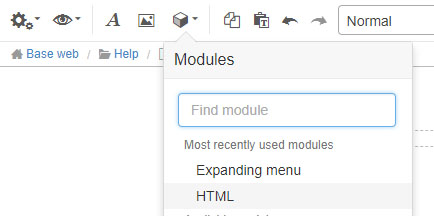
Paste the following code into the HTML-module. External link, opens in new window.
Finished!
You can also add some custom coding or do changes in the functionality.
Read more about the UIkit modal here. External link, opens in new window.